IT services · Technology consulting

Software built to be understood, operated and maintained

MyraClean Gebäudereinigung GmbH plans, builds and supports business software: custom applications, web platforms, cloud infrastructure, integrations between systems that were never designed to cooperate, and the reporting layer that turns daily operations into something you can read.

Engineering
Applications, APIs and interfaces written with tests, reviews and readable structure.
Infrastructure
Cloud environments described in code, with deployment and rollback documented.
Continuity
Handover material, monitoring and ongoing support after the first release.
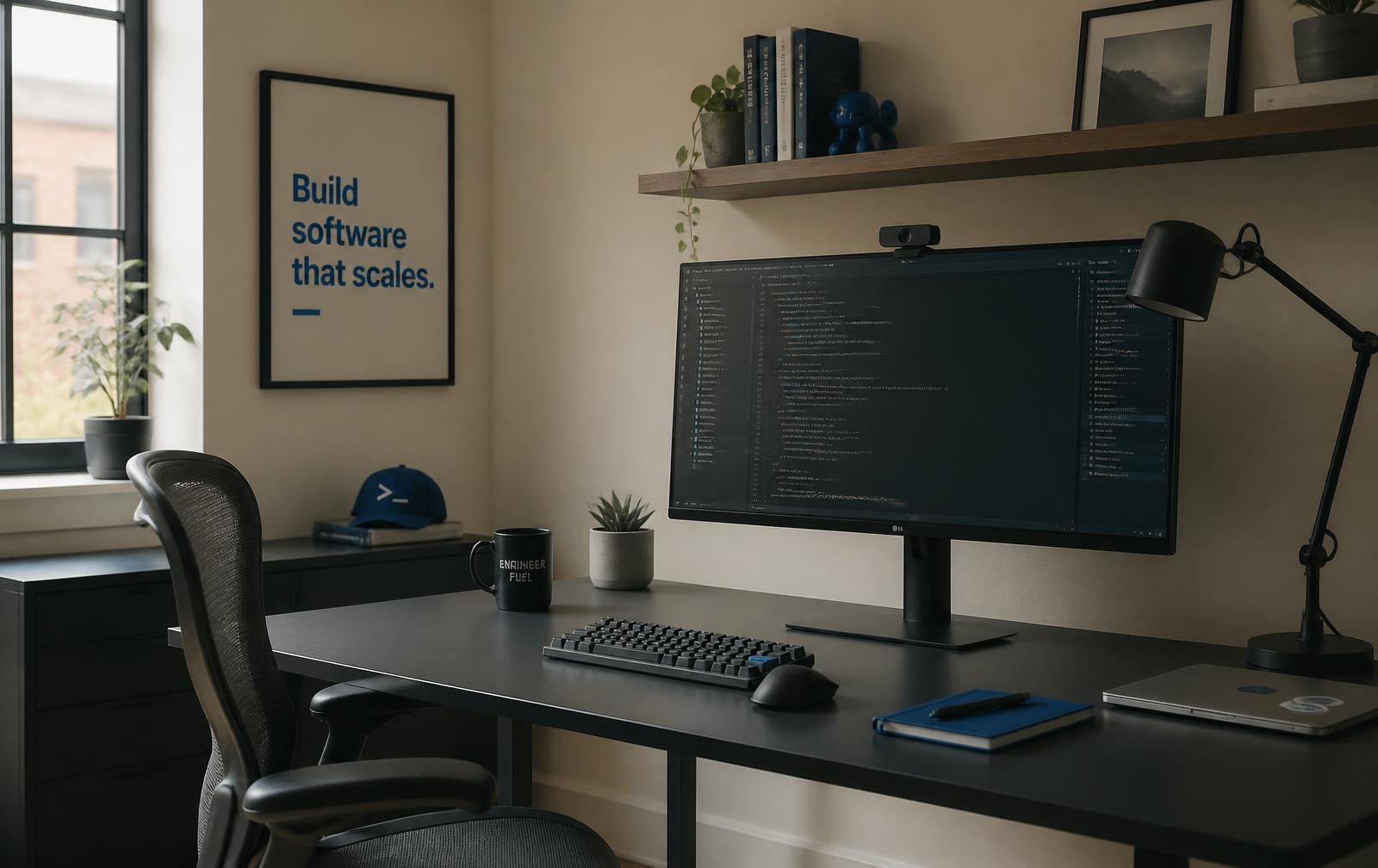
Software engineering workspace with a large monitor displaying source code beside a notebook in daylight
A working environment for software delivery: code review, documentation and quiet focus.

Who we are

An engineering practice, not a shop front

MyraClean Gebäudereinigung GmbH operates as a technology practice for organisations whose software has become central to how work actually gets done. That includes internal tools nobody planned for, spreadsheets that quietly became systems of record, and platforms that grew faster than the documentation around them.

The approach is deliberately unglamorous. Before proposing a build, we establish what already exists, who depends on it, and what would break if it changed. Scope is written down. Assumptions are labelled as assumptions. Where the honest answer is that a smaller change would solve the problem, that is the recommendation.

Work is carried out in short, reviewable increments so that progress is visible in a running system rather than in status reports. Nothing on this website describes past client engagements; scenarios shown further down are illustrative examples of how work is structured.

Capabilities

Seven areas of work, one engineering standard

Capabilities are described in terms of the problems they address. Most engagements combine two or three of them, because a new application usually needs somewhere to run, something to integrate with, and someone to keep it healthy afterwards.

Abstract geometric drawing of intersecting planes and fine grid lines representing system architecture
01

Custom software development

Applications shaped around a specific operational process rather than around a generic product roadmap.

02

Web application engineering

Browser-based systems with defensible performance, accessibility and interface behaviour.

03

Cloud infrastructure & modernisation

Environments described in code, with deployment, observability and cost visibility built in.

04

Systems integration

Reliable movement of data between applications, including error handling and replay.

05

Workflow automation

Removal of repetitive manual steps, with audit trails and human checkpoints where they matter.

06

Data & analytics

Models, pipelines and reporting surfaces that make operational reality legible.

07

Maintenance & technical support

Dependency updates, monitoring review, small changes and a defined path for incidents.

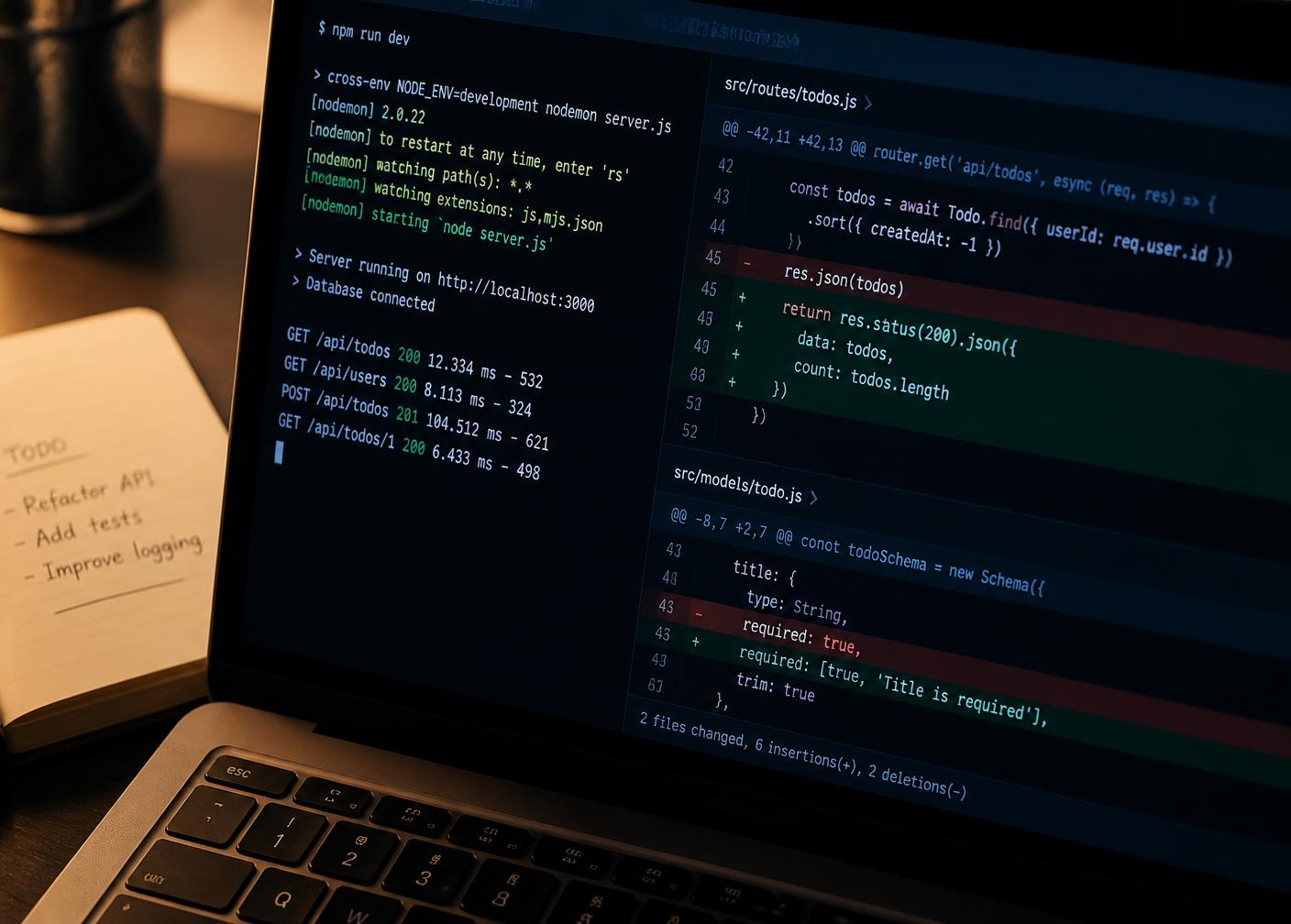
Laptop screen showing a terminal log alongside a version control diff during software development
Changes arrive as small reviewed increments with tests attached.

01 — Custom software

Systems designed around how the work is really done

Custom development is appropriate when a process is specific enough that off-the-shelf software would need to be bent out of shape to fit it. Typical artefacts include internal operations tools, scheduling and dispatch systems, inspection and quality records, quoting logic, and back-office applications that replace an accumulation of spreadsheets.

  • Domain modelling first. The data model is agreed before interface work begins, because it is the hardest thing to change later.
  • Thin vertical slices. One complete path through the system is delivered early, then widened.
  • Readable code. Naming, structure and comments are treated as part of the deliverable.

02 — Web engineering

Interfaces that hold up under real use

Web applications are judged by what happens on an average device, on an average connection, in the middle of a working day. That means measured page weight, predictable layout, keyboard operability, sensible error states and forms that do not lose input.

Rendering and performance

Server rendering or prerendering where content should be visible immediately; images sized and lazily loaded below the fold; fonts loaded without blocking the first paint.

Accessibility

Semantic structure, meaningful heading order, descriptive alternative text, visible focus states, sufficient contrast, and respect for reduced-motion preferences.

State and data flow

Clear separation between server data, cached data and interface state, so that refreshing, retrying or navigating never leaves the screen in an ambiguous condition.

Responsive layout

Layouts tested at narrow, tablet and wide widths, with long content, missing content and unusually long labels all considered.

03 — Cloud

Infrastructure you can rebuild from a repository

Modernisation work usually begins with an inventory: what runs where, who can reach it, how it is deployed, and what would happen if the machine it depends on disappeared. From that inventory we propose a target state that your team can operate — not the most fashionable architecture available.

Environments as code

Declarative definitions for networking, compute, databases and access, so staging and production do not drift apart.

Deployment and rollback

Automated pipelines with build artefacts, migrations and a documented way back to the previous release.

Observability

Structured logs, metrics and alerts chosen so that an alert means something actionable.

Cost visibility

Resources tagged and reviewed, so infrastructure spend can be explained line by line.

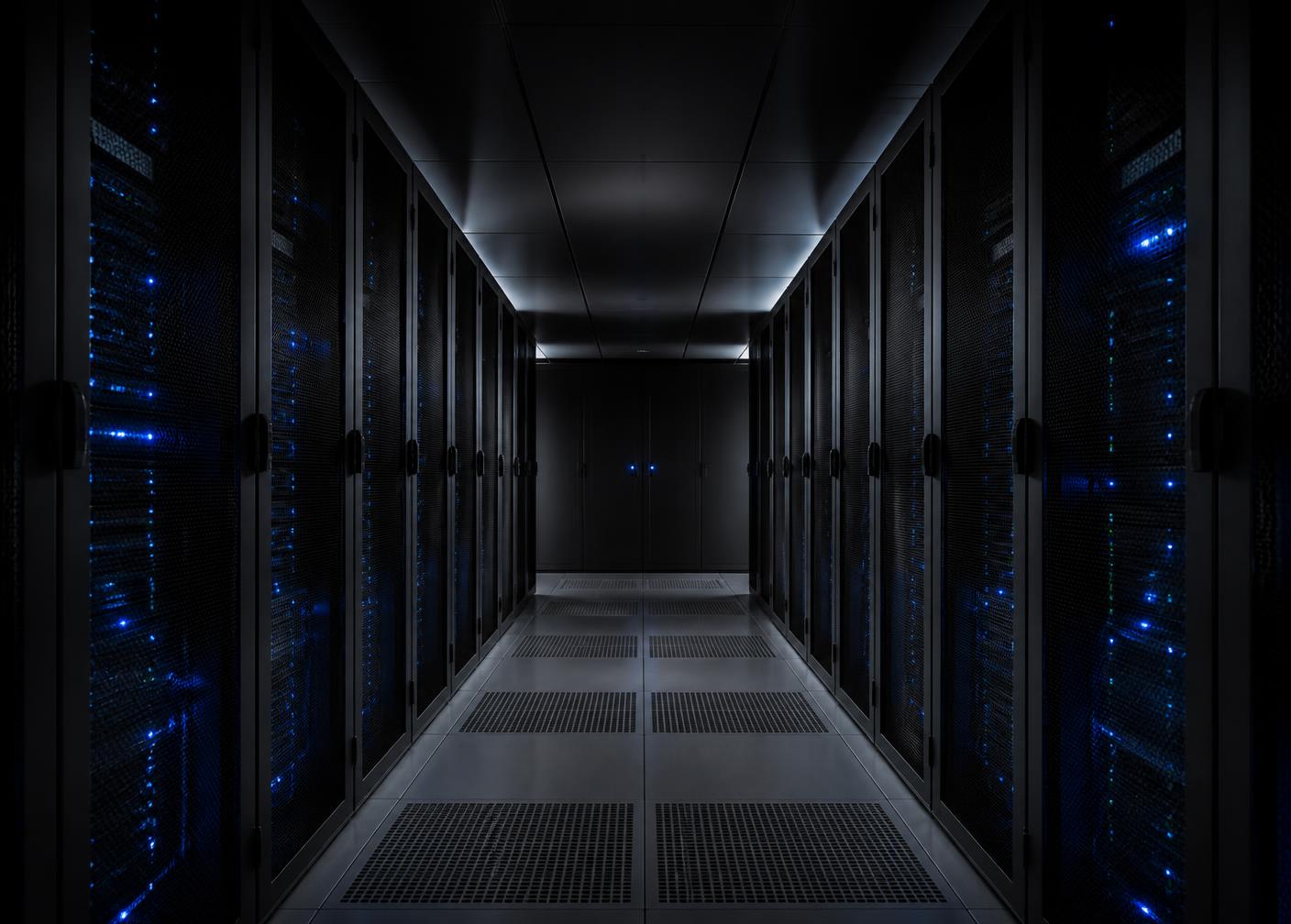
Corridor of server racks in a data centre lit by small blue status indicators
Whether hosted on managed services or your own hardware, the operating model is written down.

04 & 05 — Integration and automation

Connecting systems, then removing the manual steps between them

Integration work is mostly about failure. Two systems exchanging records on a good day is straightforward; the engineering is in duplicate messages, partial writes, schema changes, expired credentials and outages on the other side. We design for those cases explicitly, with idempotent operations, retry policies, dead-letter handling and a way to replay what was missed.

Automation follows the same logic. A manual process is first documented as it is actually performed, including the exceptions people handle informally. Only then is it automated, with human approval retained at the points where judgement is required, and with an audit trail that records what ran, when, and on which record.

Interfaces

REST and webhook endpoints, message queues, scheduled file exchange, database replication.

Guardrails

Schema validation at boundaries, contract tests, alerting on backlog growth.

Traceability

Correlation identifiers so a single record can be followed across systems.

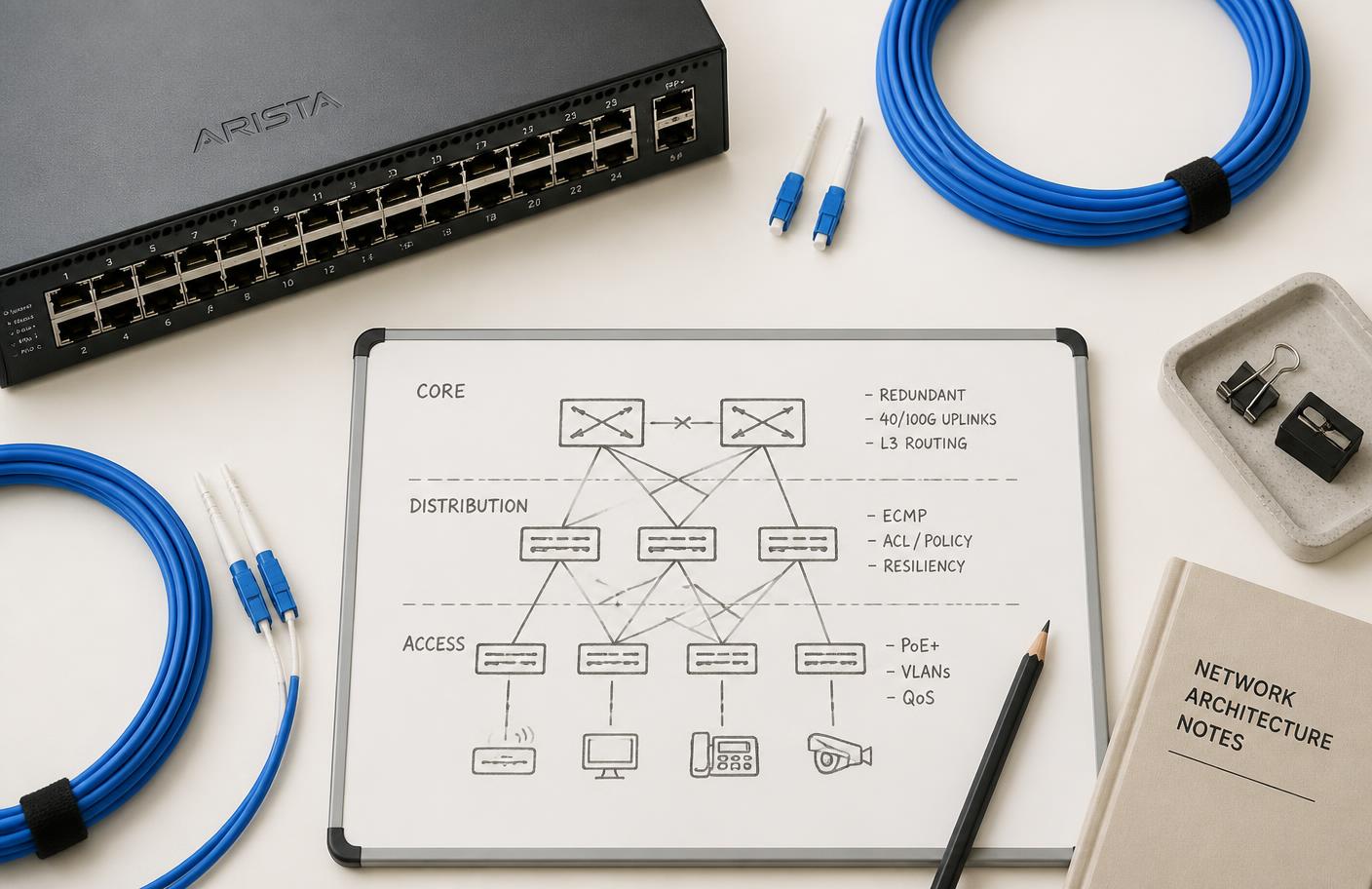
Network switch, fibre patch cables and a whiteboard architecture sketch arranged on a pale desk
Integration design begins on paper, with every failure path named.

06 — Security-conscious practice

Security treated as a property of the build, not an add-on

No engineering practice can promise that a system is secure, and this page makes no such claim. What can be described are the habits applied by default.

Access

Least-privilege roles, separate credentials per environment, no shared accounts, access reviewed when it is granted rather than long afterwards.

Secrets

Configuration and keys held in a secret store, never committed to source control, rotated when people or suppliers change.

Dependencies

Locked versions, automated vulnerability alerts, and a scheduled window for applying updates rather than an annual scramble.

Data handling

Encrypted transport, minimal collection, retention limits agreed in writing, and logs designed not to accumulate personal data by accident.

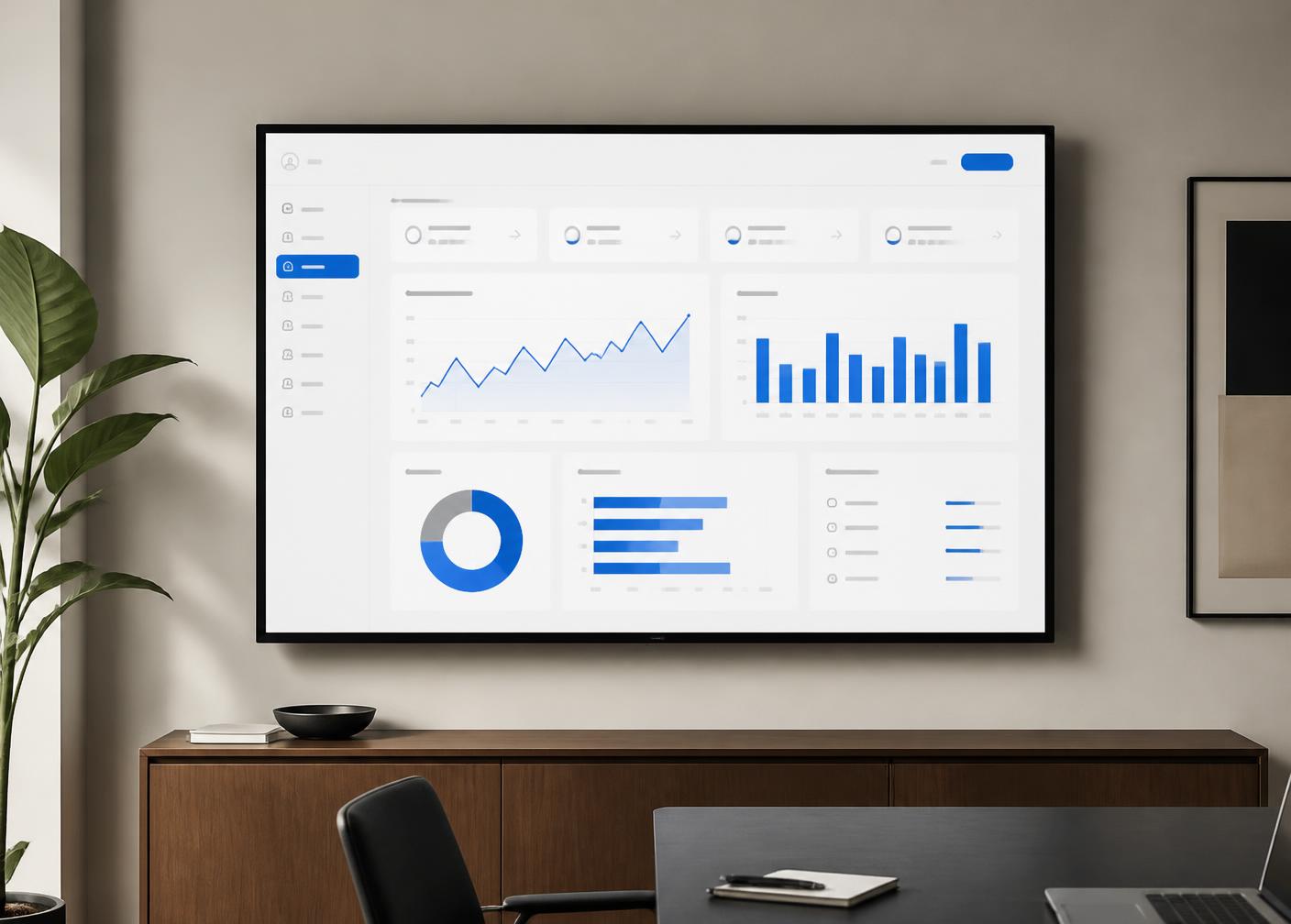
Wall-mounted display showing an operational analytics dashboard with charts in blue and grey
Reporting surfaces are built on a defined model, so two dashboards cannot disagree.

07 — Data and analytics

From scattered records to one clear model

Most reporting problems are definition problems. Before building dashboards, we agree what each measure means, which system is authoritative for it, and how edge cases are counted. That agreement is written into the model rather than kept in someone’s head.

  • Pipelines. Scheduled or event-driven extraction and transformation with logged runs and re-runnable steps.
  • Modelling. Documented tables and measures, with tests asserting row counts, uniqueness and freshness.
  • Presentation. A small number of dashboards that answer stated questions, plus exports for people who work in spreadsheets.

Delivery

From discovery to ongoing support, in visible stages

Stage 01

Discovery

Interviews with the people doing the work, review of existing systems and data, constraints and deadlines recorded. Output: a written problem statement and options.

Stage 02

Shaping

Scope divided into increments, technical approach chosen, risks named with mitigations. Output: a plan with a first releasable slice identified.

Stage 03

Build

Short iterations with working software at the end of each. Code review, automated tests and a running staging environment throughout.

Stage 04

Verification

Functional checks against agreed criteria, performance review on realistic data volumes, accessibility pass, and a security review of access and secrets.

Stage 05

Release and handover

Deployment through the automated pipeline, documentation of environments and runbooks, and a walkthrough with the people who will operate the system.

Stage 06

Support

Agreed cadence for dependency updates, monitoring review and small changes, with a defined route for reporting problems.

Quality

Testing that protects the parts people rely on

Test effort is spent where failure would be expensive, not spread evenly for the sake of a coverage figure. Business rules, calculations, permissions and integration boundaries are tested closely; presentational details are checked by review.

A

Automated checks in the pipeline

Unit tests for logic, integration tests against real database behaviour, and a small set of end-to-end tests covering the paths a user cannot afford to lose. The pipeline blocks a release when they fail.

B

Review before merge

Every change is read by another engineer, with attention to naming, error handling, data migrations and whether the change is reversible.

C

Realistic data and load

Behaviour is checked against representative volumes rather than a handful of sample rows, so slow queries appear before users find them.

D

Defect handling

Reported problems are reproduced, covered by a test, then fixed — so the same failure does not return quietly in a later release.

Illustrative examples — not client work

Three hypothetical engagements, described to show method

The following scenarios are constructed examples written for this website. They do not describe completed projects, real organisations, or measured results.

Example A

Replacing a spreadsheet-based scheduling process

A hypothetical operations team coordinates daily assignments across several shared spreadsheets. Discovery would map the current process and its informal exceptions. A first increment might deliver a single assignment view with a proper data model and an audit trail, followed by conflict detection and printable day sheets. The spreadsheets would remain readable during the transition rather than being switched off in one step.

Example B

Modernising a single-server legacy application

A hypothetical application runs on one ageing server with manual deployments. The work would begin by describing the environment in code and building a repeatable deployment, then adding monitoring, then extracting the most fragile component. Behaviour would be captured in tests before anything is moved, so the migration can be verified rather than hoped for.

Example C

Consolidating reporting across three systems

A hypothetical finance and operations group receives conflicting numbers from three tools. The engagement would define each measure and its authoritative source, build scheduled pipelines into a single model with freshness tests, and publish a small set of dashboards plus spreadsheet exports. Definitions would be documented alongside the model.

Collaboration

Plain communication, written decisions, no surprises

Most project difficulty is communication difficulty. These principles apply to every engagement regardless of size.

One written source of truth

Scope, decisions and open questions live in a shared document rather than in scattered messages.

Regular, short updates

A brief written summary of what changed, what is next and what is blocked, at an agreed cadence.

Demonstrations over descriptions

Progress is shown in a running staging environment so feedback is grounded in something real.

Trade-offs stated openly

Where speed, cost and durability conflict, the options and consequences are written down before a decision.

Your team stays involved

Whoever will operate the system participates during the build, not only at handover.

Bad news early

Slippage, misunderstandings and technical dead ends are raised as soon as they are recognised.

Questions

Frequently asked questions

What kind of work does the company take on?
Software engineering and technology consulting: building applications, modernising existing systems, connecting software that does not yet talk to each other, automating manual workflows, and making operational data readable. Engagements can start as a short assessment or as a full build.
How does an engagement usually start?
With a written description of the problem. From there a short discovery phase clarifies scope, constraints, existing systems, and success criteria before any code is written. Discovery output is a written plan you can act on with or without us.
Which technologies are used?
Choices depend on the problem and on what your team can maintain. Mainstream, well-documented languages, frameworks, relational databases, and managed cloud services are preferred over unusual tooling that would leave you dependent on a single supplier.
Can you work with an existing codebase?
Yes. Reading an existing system, documenting how it behaves, and improving it incrementally is often lower risk than a rewrite. Where a rewrite is genuinely warranted, it is proposed with the trade-offs stated plainly.
How is ownership of the work handled?
Source code, infrastructure definitions, and documentation are written to be handed over. Deployment steps, environment configuration, and known limitations are documented so another team could continue the work.
What happens after launch?
Support arrangements are agreed in advance: dependency updates, monitoring review, small changes, and a defined route for reporting problems. Nothing is presented as a guarantee of uptime or of specific business outcomes.
How do you handle security-sensitive work?
Security is handled as an engineering practice rather than a separate product: least-privilege access, secret management outside source control, dependency review, input validation, encrypted transport, and logging that avoids storing unnecessary personal data.
How do we make first contact?
Send a written summary to audreycurt77@gmail.com. Include the outcome you need, the systems already in use, any deadlines, and the internal contact for technical questions.

Contact

Written enquiries are read carefully and answered in writing

MyraClean Gebäudereinigung GmbH works with organisations that would rather understand their software than merely own it. If that describes the situation you are in, a short written description of the problem is enough to begin a conversation.

MyraClean Gebäudereinigung GmbH

audreycurt77@gmail.com

myraclean.com

Please include the outcome you need, the systems already in use, any deadline, and the person who can answer technical questions. Contact details are shown as plain text.